What are YouTube Shorts, and how can I use and monetize them?
Imagine that you need to plan your next marketing campaign, write fantastic ad copy, or create a compelling video campaign…
According to socialmediatoday, video ads account for more than 80% of online traffic. 40% of users take some form of action after watching a video ad, and 92% of mobile users share videos with others.
In fact, short videos have changed the landscape of online content, whether users are looking for inspiration, entertainment, education, or product reviews.
In other words, if you want to make your product or service accessible to an online audience, it is time to get started with video advertising.
To get started quickly and simplify the process, YouTube Shorts offers consumers a drive-thru version of video content. Information that is accessible on the go and features shorter viewing times. In this post, we cover how to create YouTube Shorts with influential voiceovers and upload them to the YouTube platform. All in an effort to create useful consumer interaction and brand engagement.
What are YouTube Shorts?

YouTube Shorts are short-form video content that users create and upload in a portrait (vertical) format via the YouTube mobile app. Longer videos are also still available via the browser version of YouTube.
Whether you have a campaign or an instructional video, you can use YouTube’s built-in creator tools in various ways. For example, you can capture footage, add music or animated text, control the speed of your films, and string together several 15-second video clips to create your Shorts. With the search and hashtag functions, creators can also pick up social media trends to use in videos to reach more audiences. You can contribute to existing trends with a hashtag or start your own. However, an important step is knowing how to upload YouTube Shorts.
How to upload YouTube Shorts
Here is how to upload a YouTube Short:
- Log in to the YouTube app.
- Tap the (+) sign at the bottom of the screen.
- In the pop-up menu, tap Create a Short.
- Hold or tap the round red button to record a video clip.
- Optionally, you can tap add sound to add music or a voiceover.
- Finally, tap done (or the checkmark button) to view and edit your video with text, timeline, or filters.
How long are they?
YouTube Shorts have a maximum length of 60 seconds, but the ideal video length is between 15 and 60 seconds. Thus, users can have several 15-second video clips or one full 60-second video. The YouTube app is pre-installed for Android users but must be downloaded on iOS devices.
YouTube Shorts also offer long-term benefits for creators because the videos remain on the platform for some time after they have been posted. So viewers who do not want to sift through tons of content can choose YouTube Shorts for various content genres. Once viewers have found your video, they are halfway to becoming more familiar with your brand.
– But how can you make your videos stand out with voiceovers?
How to create YouTube Shorts with an impactful voiceover/narrator
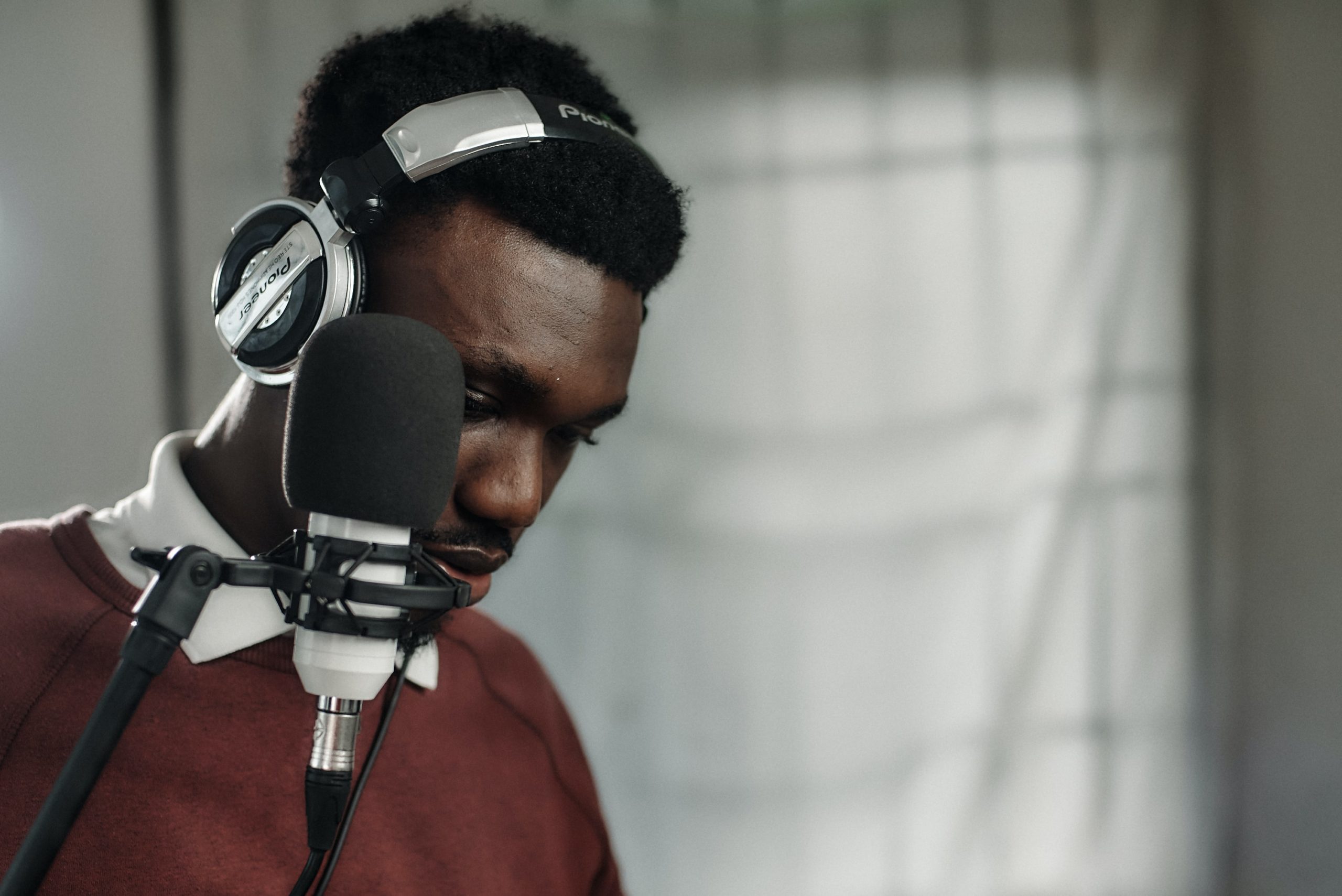
What if you have a quick instructional video? Or a corporate film? Have you considered using a voiceover to add insightful or humorous commentary? Think of the raspy authority of Bengt Magnusson, or why not the subtle comedic sense of Robert Gustafsson. Even if famous names are not always an option, a professional voice actor can add a unique personal touch to videos. This is because we humans instinctively connect with a human voice. So whether you are offering a product or service, the best way to market your business online is by using a professional voice.
In conclusion
YouTube Shorts require shorter attention spans but offer long-term benefits.
Make Shorts part of your standard marketing. It provides a solid solution for creating more engagement for your channel, increasing your subscriber count, and showcasing your brand’s authentic side. It is time for brands to use interactive video content to engage viewers in an innovative and creative online environment. By knowing how to create YouTube Shorts, upload them, and use professional voiceovers, you will grow your business or brand and improve your organic online traffic.
All you need to do now is hit upload and start publishing content that allows you to go viral and stay that way. And as a final small note, Voice To Me has a plethora of magnificent voice actors to choose from, so be sure to order a voice right away or listen through our professional voices to find one with the right feel for your own short videos.
If you need help finding the perfect voice for your project, contact us at Voice To Me.
If you would like further information about YouTube Shorts, you can read more here, or watch a short film: